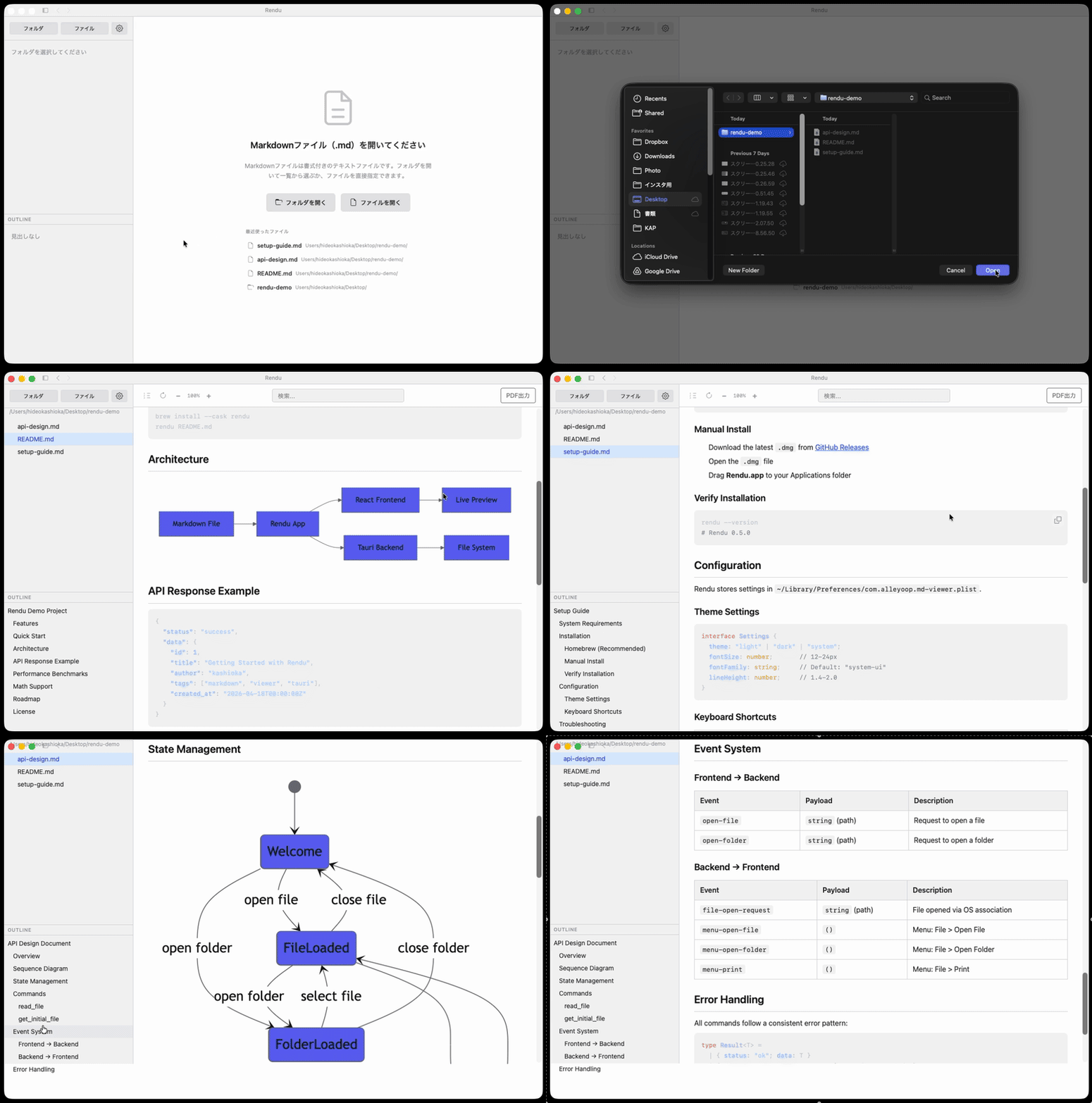
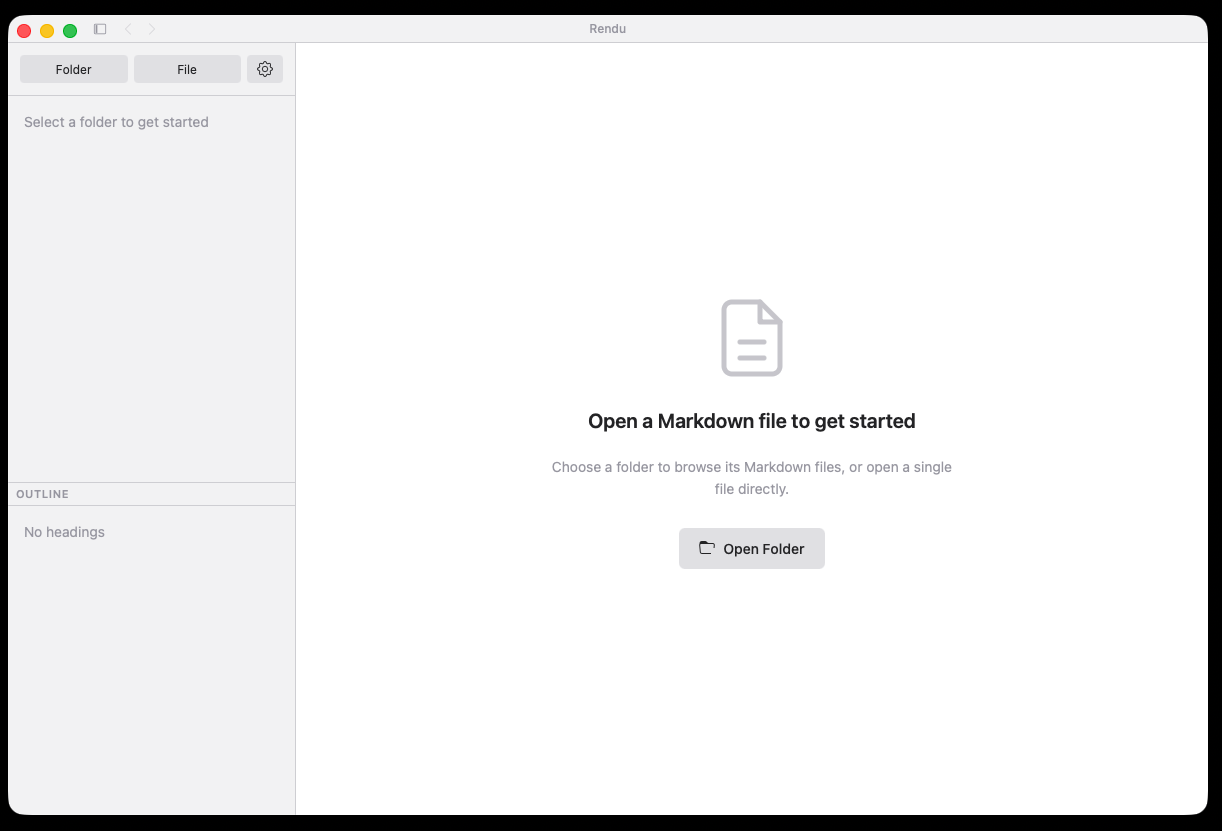
Open a folder. Click a file. Start reading.
Just drag a file to start reading. A free, lightweight viewer.
No config, no account — ready in seconds.
Rendu is French for "a finished rendering" or "something delivered." Just as architects create a rendu to convey their design intent, Rendu transforms your Markdown blueprints into an intuitive, beautifully rendered form.
or: brew install --cask kashioka/tap/rendu · .rpm for Fedora/RHEL · AppImage for any distro
Open a folder. Click a file. Start reading.
A viewer, not an editor. That's the difference.
| Rendu | Obsidian | Typora | VS Code | |
|---|---|---|---|---|
| Instant startup | Yes | Slow | OK | Slow |
| Zero config | Yes | Plugins | Minimal | Extensions |
| 100% free | Yes | Freemium | $15 | Yes |
| Purpose-built viewer | Yes | Editor | Editor | Editor |
| Mermaid diagrams | Built in | Plugin | Plugin | Extension |
| Native & lightweight | ~6 MB native | ~500 MB | ~100 MB | ~400 MB |
Just open a folder and start reading.
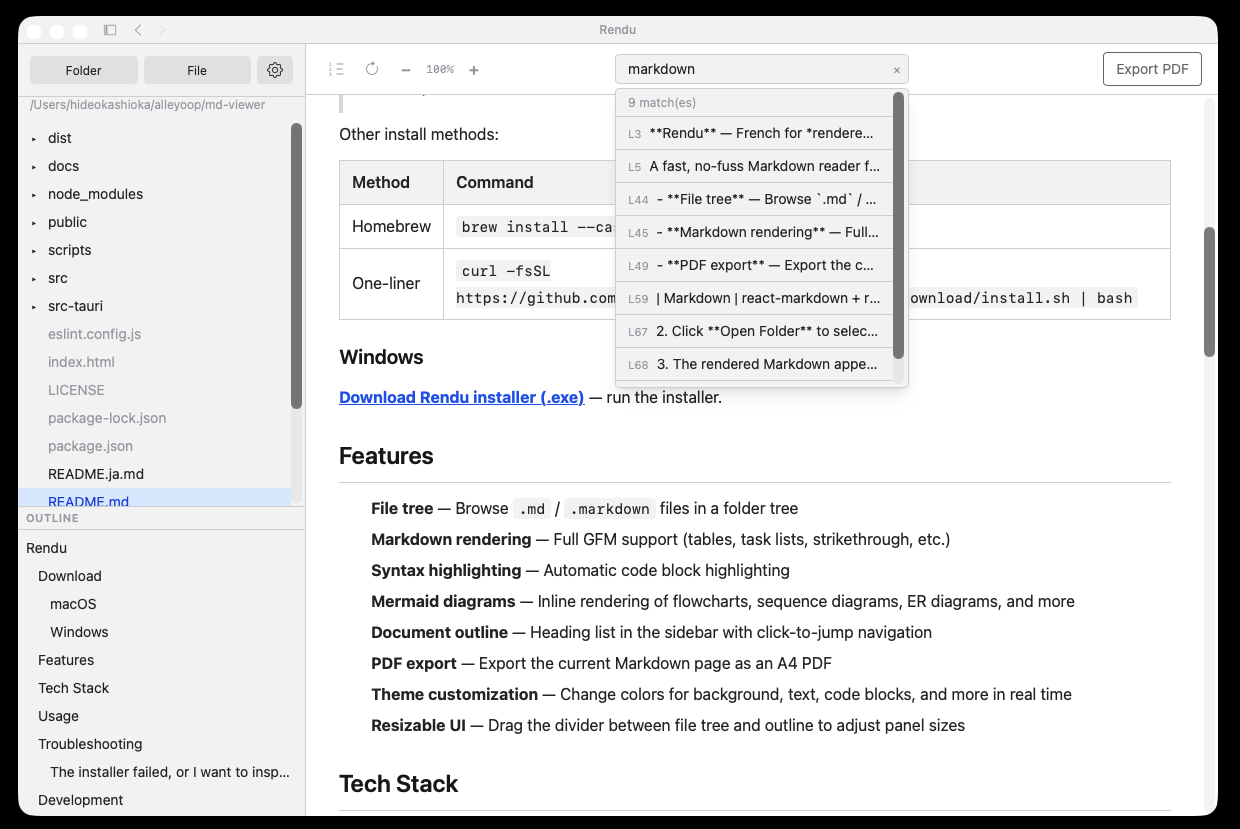
Open any folder to see a tree of .md files. Click to read. Drag and drop works too.
Switch themes or customize every color. Looks great at any time of day.
One-click export to a clean A4 PDF. Share rendered docs with anyone.
Heading sidebar with click-to-jump navigation. Find your place instantly.
Click the copy button on any code block. Paste directly into your project.
Quickly jump back to files you recently opened. Your history is always saved.
English, 日本語, and 简体中文 — switch the interface language anytime.
The tools you expect, built in from day one.
Flowcharts, sequence diagrams, ER diagrams, Gantt charts — all rendered inline.
Automatic language detection and highlighting for code blocks. 190+ languages.
Tables, task lists, strikethrough, autolinks — GitHub Flavored Markdown, fully supported.
rendu file.md opens and renders from the terminal. Install via Homebrew on macOS.
Double-click any .md file in Finder or Explorer to open it directly in Rendu.
Built with Tauri 2.0 + Rust. Native installers under 15 MB. No Electron bloat.
Free, open source, and ready in seconds.
or: brew install --cask kashioka/tap/rendu · .rpm for Fedora/RHEL · AppImage for any distro